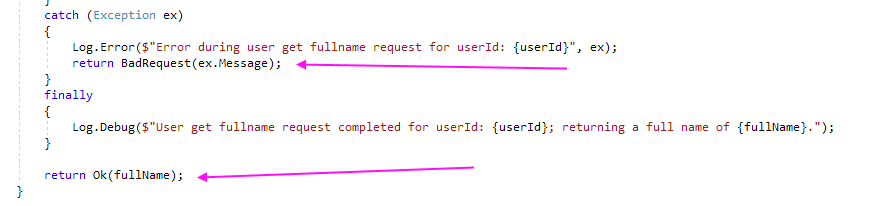
Create HttpClient and setup in the constructor
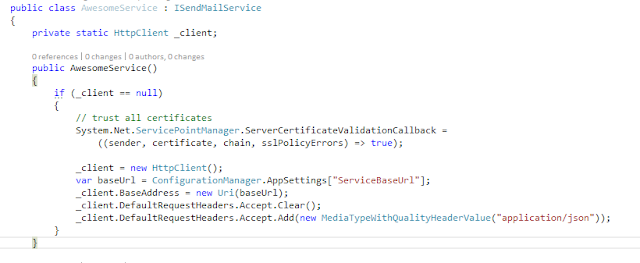
Make requests as required. Use .Result after the post to make life synchronous.

Pull info from the response if needed, use Newtonsoft.Json to deserialize to objects.
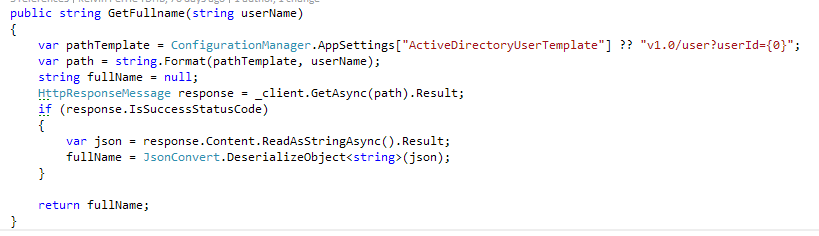
Stuff, stuff, stuff
public class AwesomeService : IAwesomeService
{
private static HttpClient _client;
public AwesomeService()
{
if (_client == null)
{
// trust all certificates
System.Net.ServicePointManager.ServerCertificateValidationCallback =
((sender, certificate, chain, sslPolicyErrors) => true);
_client = new HttpClient();
var baseUrl = ConfigurationManager.AppSettings["ServiceBaseUrl"];
_client.BaseAddress = new Uri(baseUrl);
_client.DefaultRequestHeaders.Accept.Clear();
_client.DefaultRequestHeaders.Accept.Add(new MediaTypeWithQualityHeaderValue("application/json"));
}
}
public void DoThing(string from, string to)
{
var paramTemplate = ConfigurationManager.AppSettings["ParamTemplate"] ?? "v1.0/email?from={1}&to={2}";
var path = string.Format(paramTemplate, from, to);
HttpResponseMessage response = _client.PostAsync(path, null).Result;
response.EnsureSuccessStatusCode();
}
}
public string GetFullname(string userName)
{
var pathTemplate = ConfigurationManager.AppSettings["ActiveDirectoryUserTemplate"] ?? "v1.0/user?userId={0}";
var path = string.Format(pathTemplate, userName);
string fullName = null;
HttpResponseMessage response = _client.GetAsync(path).Result;
if (response.IsSuccessStatusCode)
{
var json = response.Content.ReadAsStringAsync().Result;
fullName = JsonConvert.DeserializeObject<string>(json);
}
return fullName;
}